Accounts & Authentication
AURAFUSE uses email + password authentication, and every account is protected with mandatory TOTP two-factor authentication (2FA). There is no way to opt out: an account without 2FA cannot use the product. This keeps client work, published sites, and brand data behind a second factor even if a password leaks.
Registering and logging in
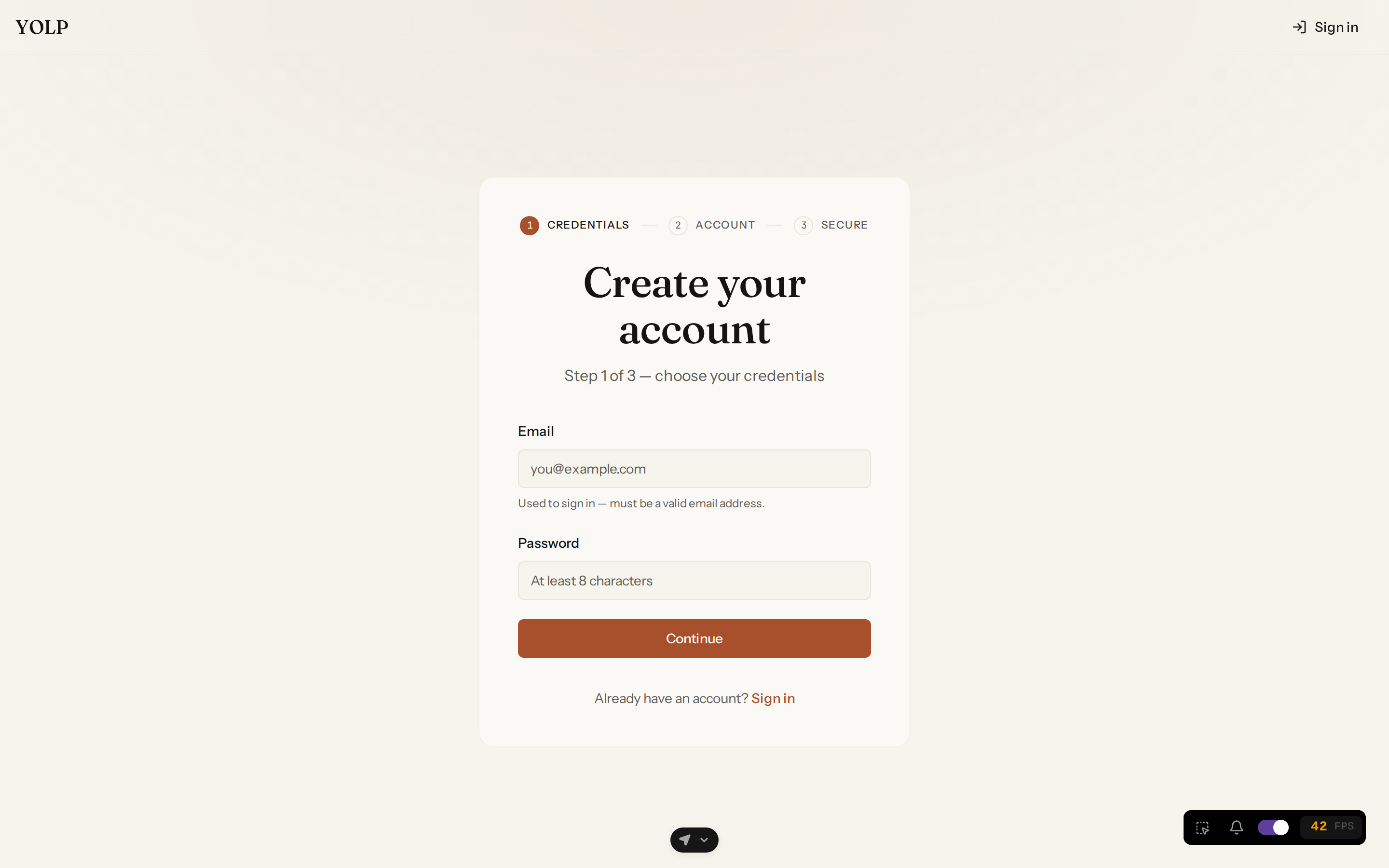
Create an account with your email and a password on the register page. Your email is the sole credential identifier — there are no usernames to remember.
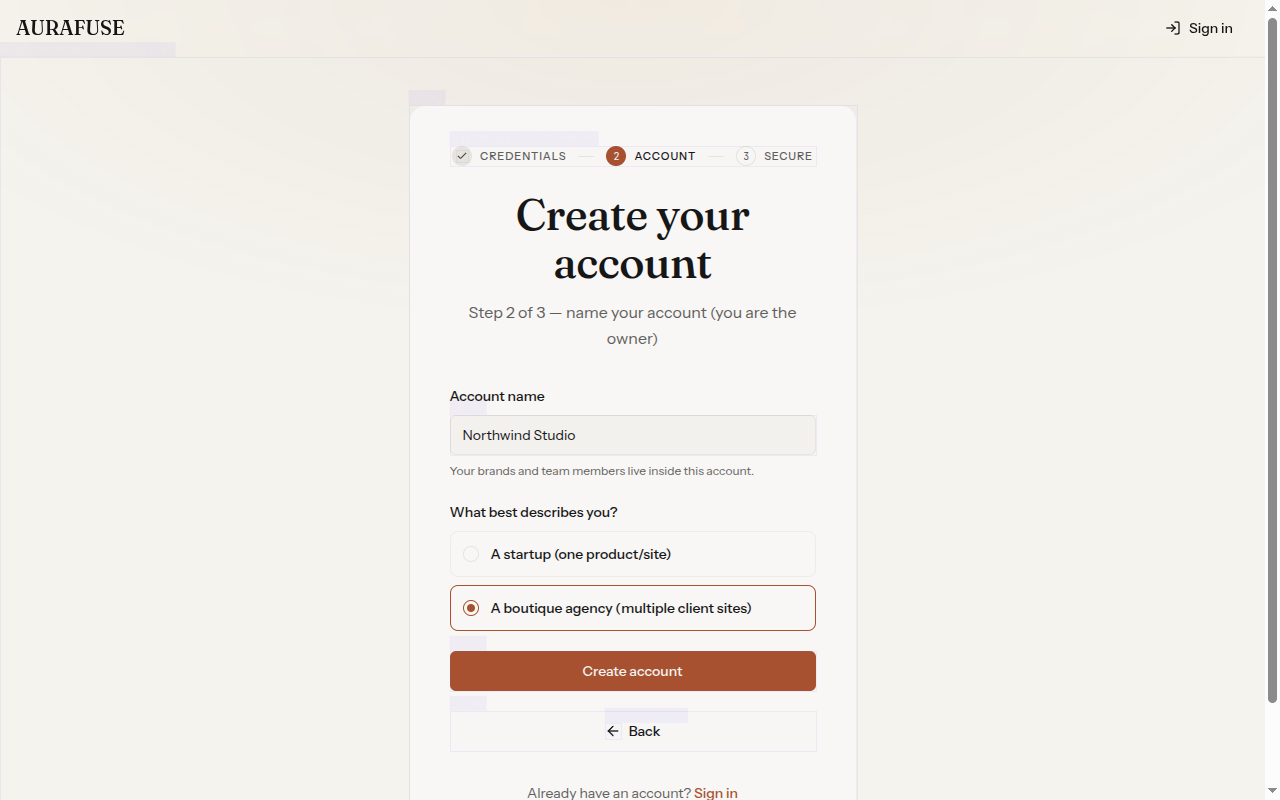
Right after your credentials, onboarding asks what best describes you — a startup (one product/site) or a boutique agency (multiple client sites). Your answer sets the plan ladder your account sees.
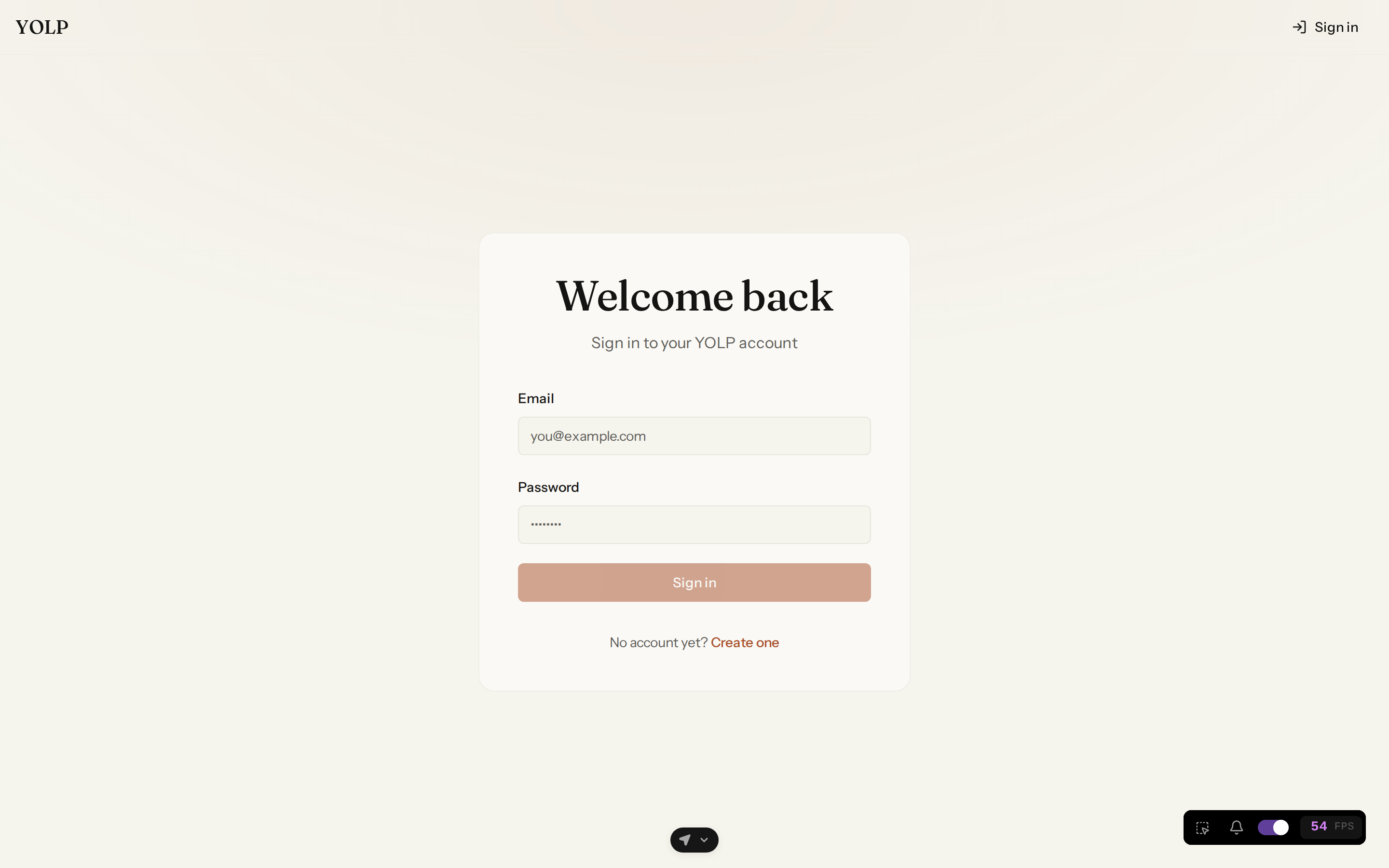
Sign in with the same credentials afterwards.
Mandatory 2FA enrollment at first login
The first time you log in, AURAFUSE requires you to enroll a TOTP authenticator (RFC 6238) before anything else works:
- AURAFUSE shows a QR code plus the raw base32 secret and an
otpauth://URL. - Scan the QR with any authenticator app (Google Authenticator, 1Password, Aegis, Authy...) or paste the secret manually.
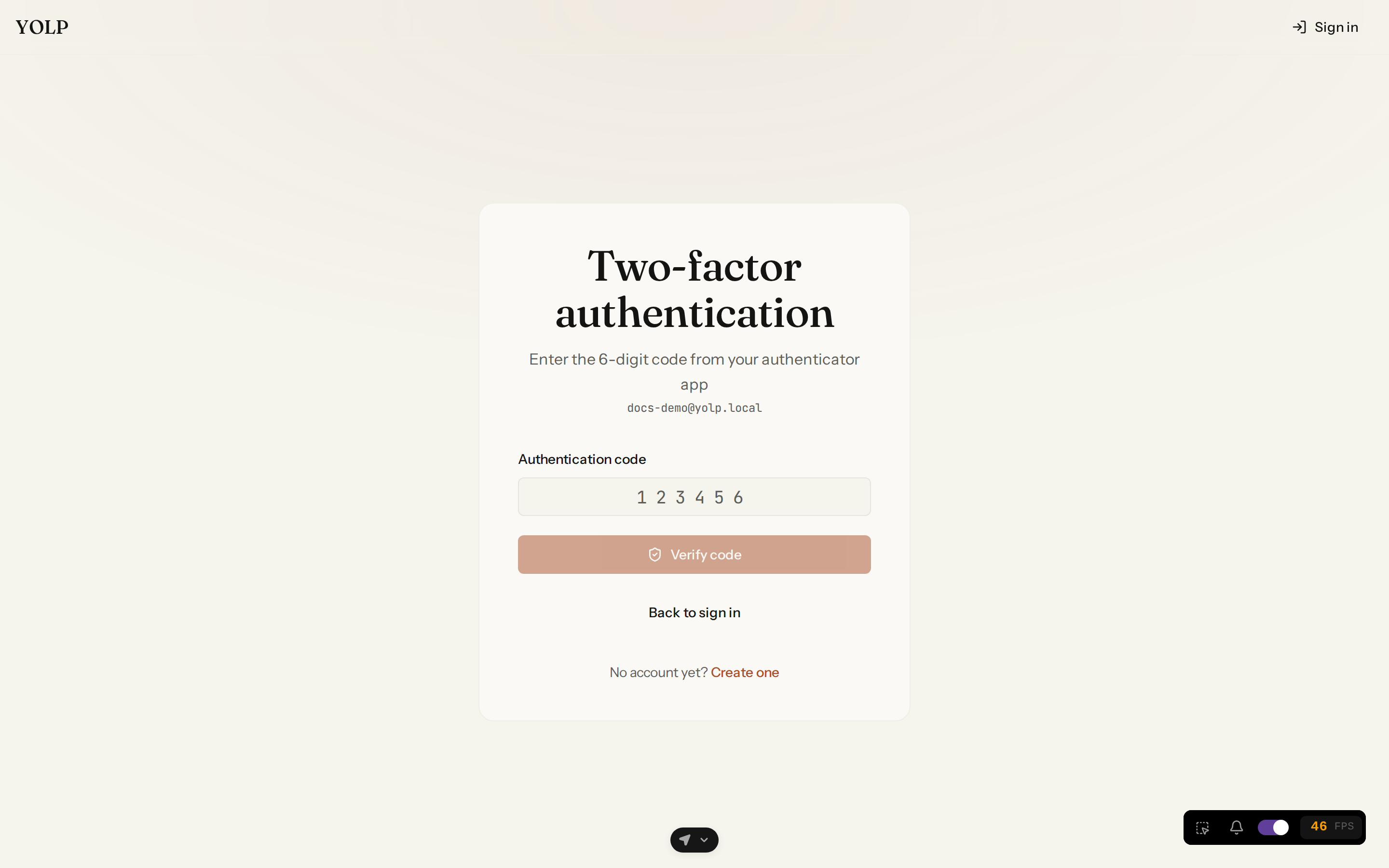
- Enter the 6-digit code from the app to activate 2FA. From then on, every login requires a fresh code.
Until enrollment completes, all non-authentication API routes answer with a
totp_enrollment_required error, so you cannot skip the step.
The MFA login step
Once 2FA is active, logging in becomes a two-step flow:
- Submit your email and password. AURAFUSE responds with an
mfaRequiredflag and a short-lived MFA token instead of a session. - Submit the current 6-digit code from your authenticator app to complete login.
Sessions are stateless JWTs sent as Authorization: Bearer headers.
Workspaces (accounts) and members
Registering creates a user; creating an account creates your workspace — the container for all your brands, content, and team members. The first user in a workspace becomes its Owner.
Creating the workspace asks one question about your business: are you a startup (one product/site) or a boutique agency (multiple client sites)? Your answer sets which plan ladder is offered to your workspace.
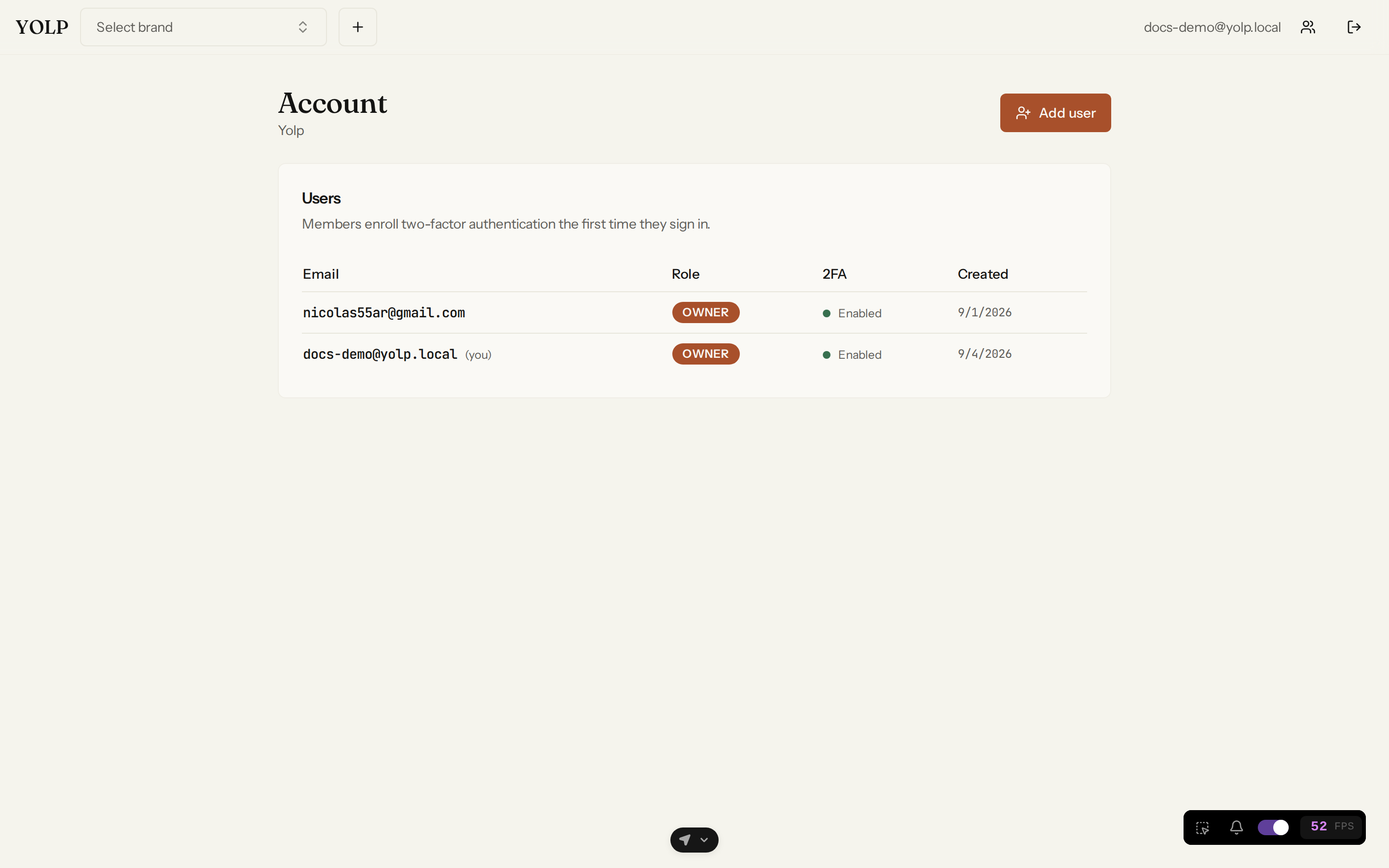
Owners manage members from the account settings:
- Create members with an email and password.
- Members enroll their own TOTP at first login, exactly like owners.
- Remove members when they leave the team.
All brands are account-scoped: requests can only touch brands that belong to your workspace, and cross-workspace access is uniformly rejected.
Key facts
- Email + password — email is required, unique, and the login identifier.
- Mandatory TOTP 2FA — QR-code enrollment is enforced at first login.
- MFA login step — password then 6-digit code, every time.
- JWT sessions — stateless bearer tokens.
- Workspace membership — owners create and manage members; every brand belongs to exactly one workspace.
- Segment question — startup or boutique agency at workspace creation; it determines your plan ladder.