Brands
A brand is AURAFUSE's unit of work: one brand corresponds to one website project and owns everything related to it — the extracted design, the Aura replica, content, assets, deployments, analytics, and jobs. Brands are scoped to your account workspace, so each client or product gets an isolated sandbox.
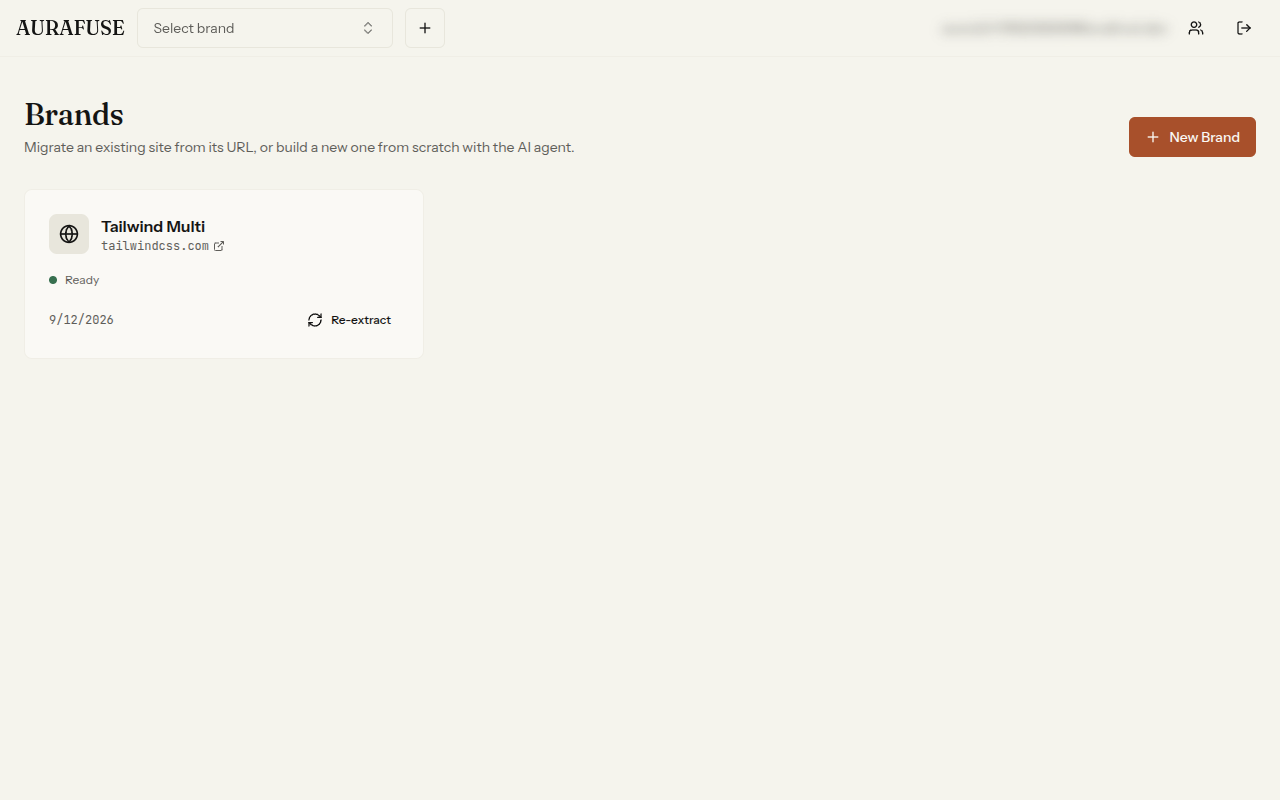
Managing brands
From the brands list you can:
- Create a new brand — there are three ways in:
- Point it at an existing site's URL to clone its design (extraction).
- Leave the URL empty and describe the business — the AI agent builds the site from scratch.
- Upload your own Astro project as a zip (Site Import).
- Edit a brand's name and metadata at any time.
- Delete a brand, removing its workspace and all artifacts with it.
How many brands you can keep active depends on your plan — once you reach the cap, creating another brand is refused until you free a slot or upgrade.
The brand overview
Opening a brand shows its dashboard — the home base for everything you will do with that site.
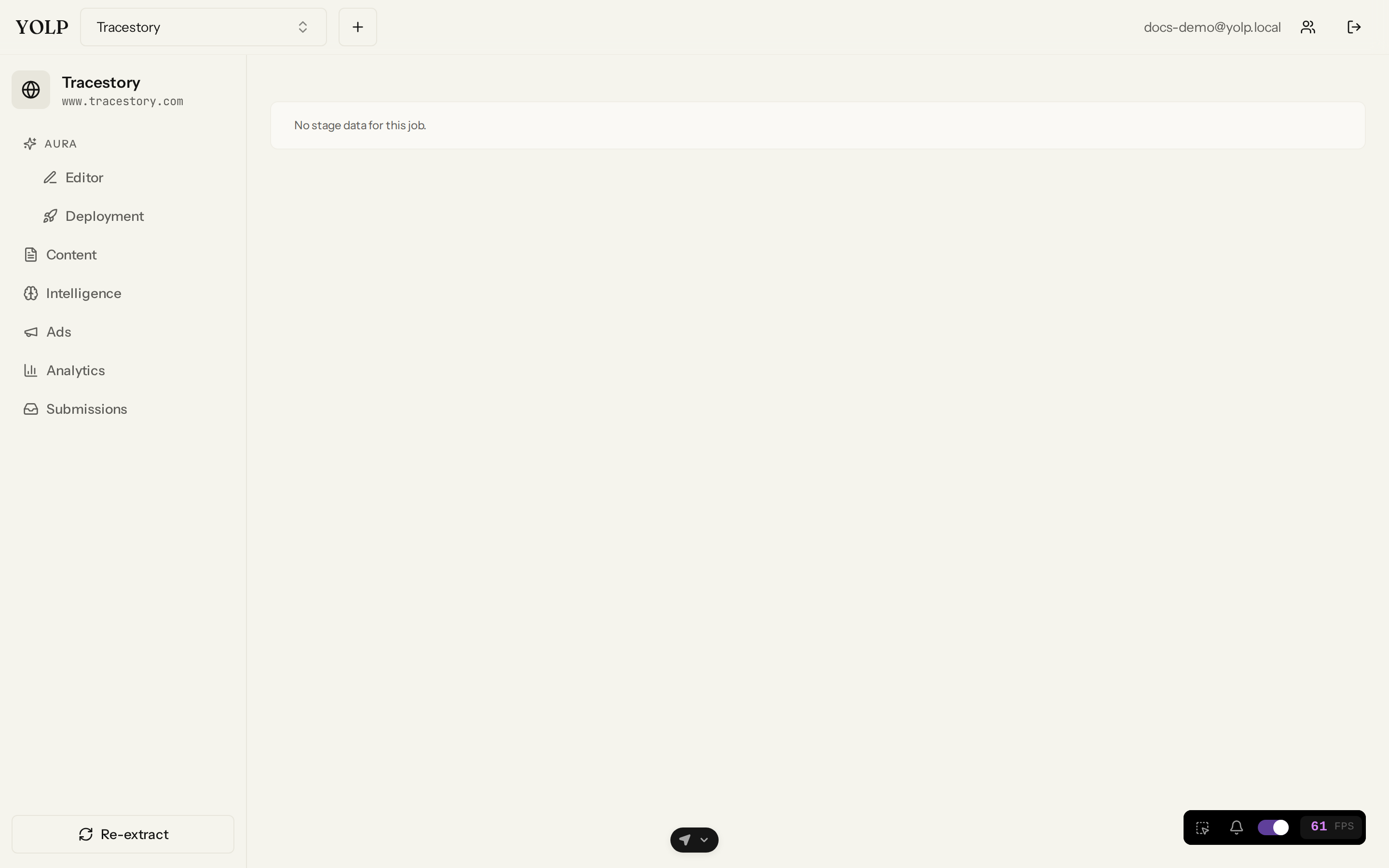
- Design system — the tokens extracted from the original site (colors, typography, spacing) are summarized here so you can see the brand's visual identity at a glance. These tokens are editable and feed every downstream step, from Aura migration to AI content generation.
- Preview insights — a live snapshot of how the site currently looks and behaves, so you can sanity-check changes without opening the full editor.
- Jobs — every long-running operation on the brand (extraction, Aura migration, media generation, publishing) appears as a job with a stage checklist and status. If a job fails, you can retry it from here.
Why brands matter
Keeping one workspace per site means AURAFUSE can offer per-brand settings without cross-contamination: daily AI-media quotas, analytics configs, CMS collections, and deployment history are all tracked per brand. When you clone several competitor sites or manage multiple clients, each stays cleanly separated.
Typical workflow
- Create a brand from the brands list.
- Run an extraction against the original site's URL.
- Migrate the result with Aura Engine.
- Refine in the Editor Studio and CMS.
- Publish when you are happy with the result.