Content Management
The CMS keeps your site's structured content in the database instead of scattered markdown files. You define collections with typed field schemas, fill them with entries, and AURAFUSE projects published entries into the site automatically — so content edits go live without touching code.
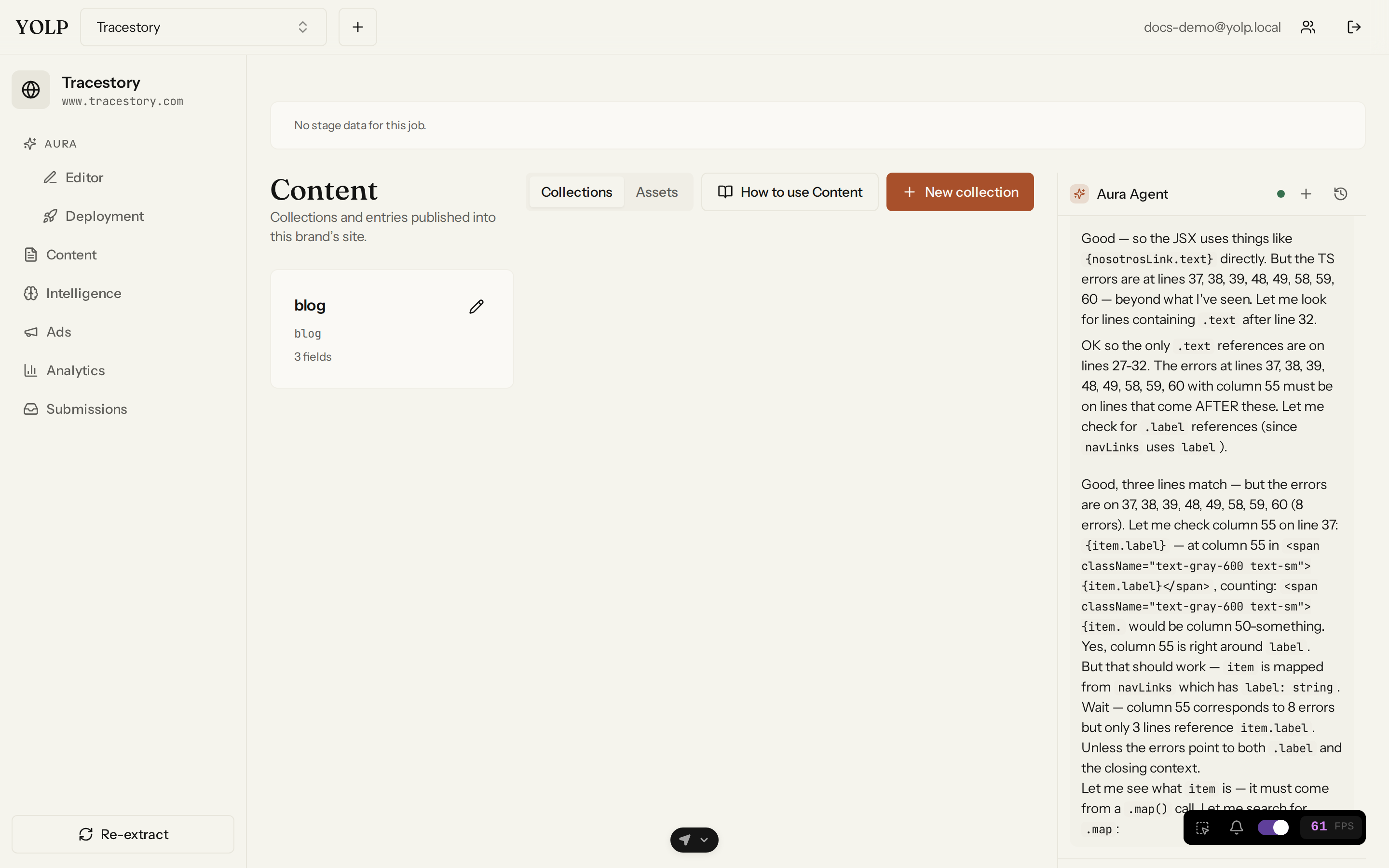
Collections with typed fields
Every collection defines its own field schema. Supported field types:
- Text — short single-line strings.
- Markdown — long-form formatted content.
- Number — numeric values.
- Boolean — true/false flags.
- Date — calendar dates, useful for news and events.
- Select — one value from a fixed option list.
- Image — references into the brand's assets.
A blog might be a collection with title (text), body (markdown), and
publishedAt (date); a team page might have one entry per person with a
role select field.
The draft → publish lifecycle
Entries start as DRAFT and never touch your published site until you explicitly publish them. Publishing is per-entry, so you can ship one article without touching the rest. Entries also support scheduling — prepare content now and have it publish later.
Version history and restore
Every save creates a new version. Browse an entry's history, compare where it changed, and restore any previous version with one click — a safety net for bad edits and accidental deletions.
AI content generation
The CMS can help you write:
- Content ideas — generated from your brand's marketing profile, so suggestions fit the site you actually built.
- Draft entries — AI-written first drafts you edit and publish, seeded into the right collection with the right field types.
The split-pane editor
Entries are edited in a split-pane markdown editor: source on the left, live rendered preview on the right, updating as you type. Formatting surprises are visible before you hit save.
How content reaches the site
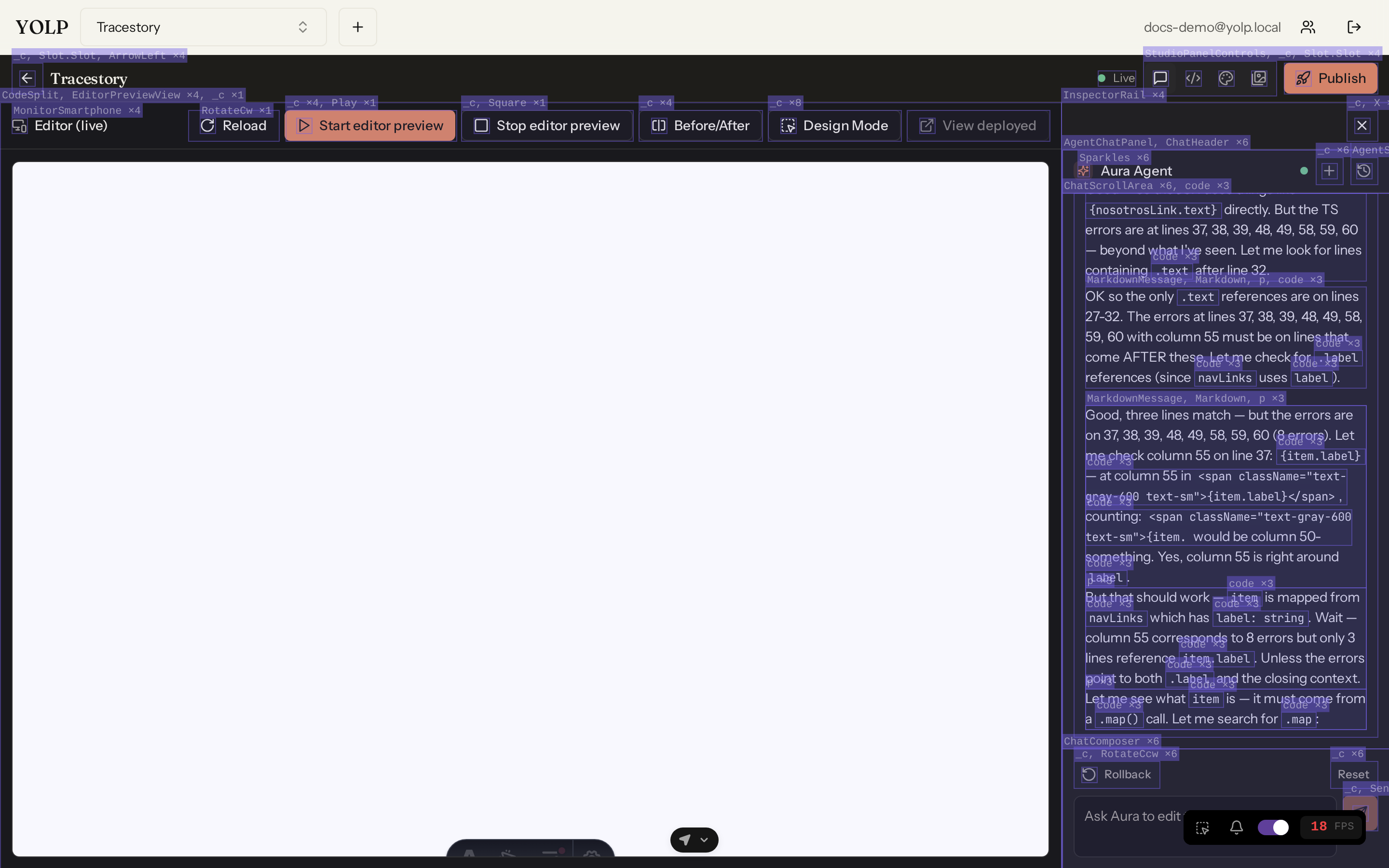
Published entries are projected into the site automatically: each collection becomes pages in the replica, a listing component is kept in sync, and orphaned pages from deleted entries are cleaned up. Hand-authored markdown you wrote in the editor is never overwritten. Every save refreshes the dev preview instantly; every site publish re-projects before building, so what ships always matches the database.
Tips
- Model your content up front — typed fields keep entries consistent and make AI drafting far better.
- Use scheduling to keep a publishing cadence without being online.
- Restore before re-writing: version history is cheaper than redoing edits.