Editor Studio
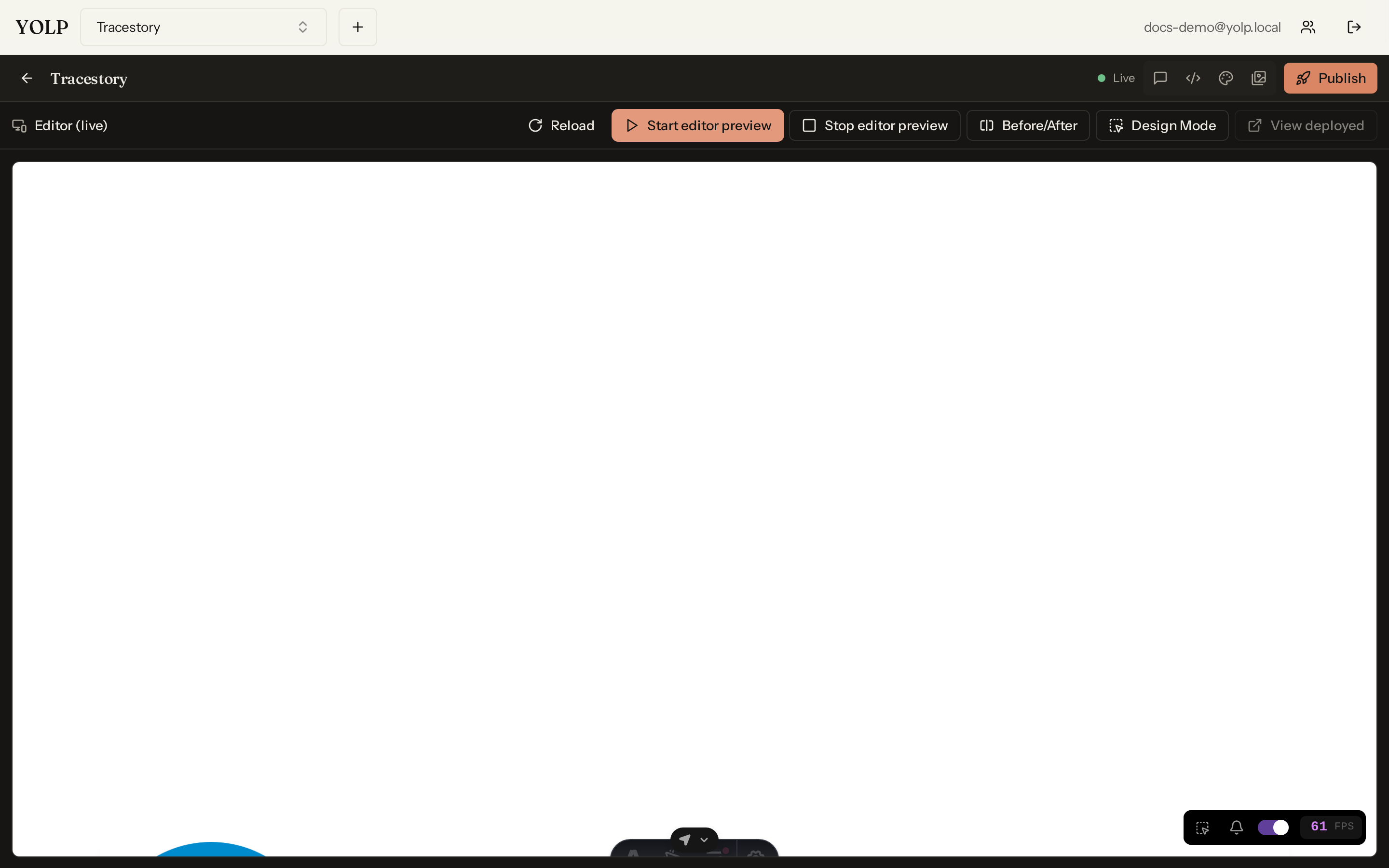
The Editor Studio is where your cloned site becomes yours. It is a full editing surface over the Aura replica produced by the Aura Engine: edit files directly, restyle the theme, manage pages, preview changes live, and delegate to an AI chat agent when you would rather describe the change than write it.
Files, theme, and components
- Replica files — browse and edit the site's source files and the theme exactly as they live on disk. Everything Aura Engine generated is editable.
- Component library — the reusable components that make up the site, ready to place on pages and customize.
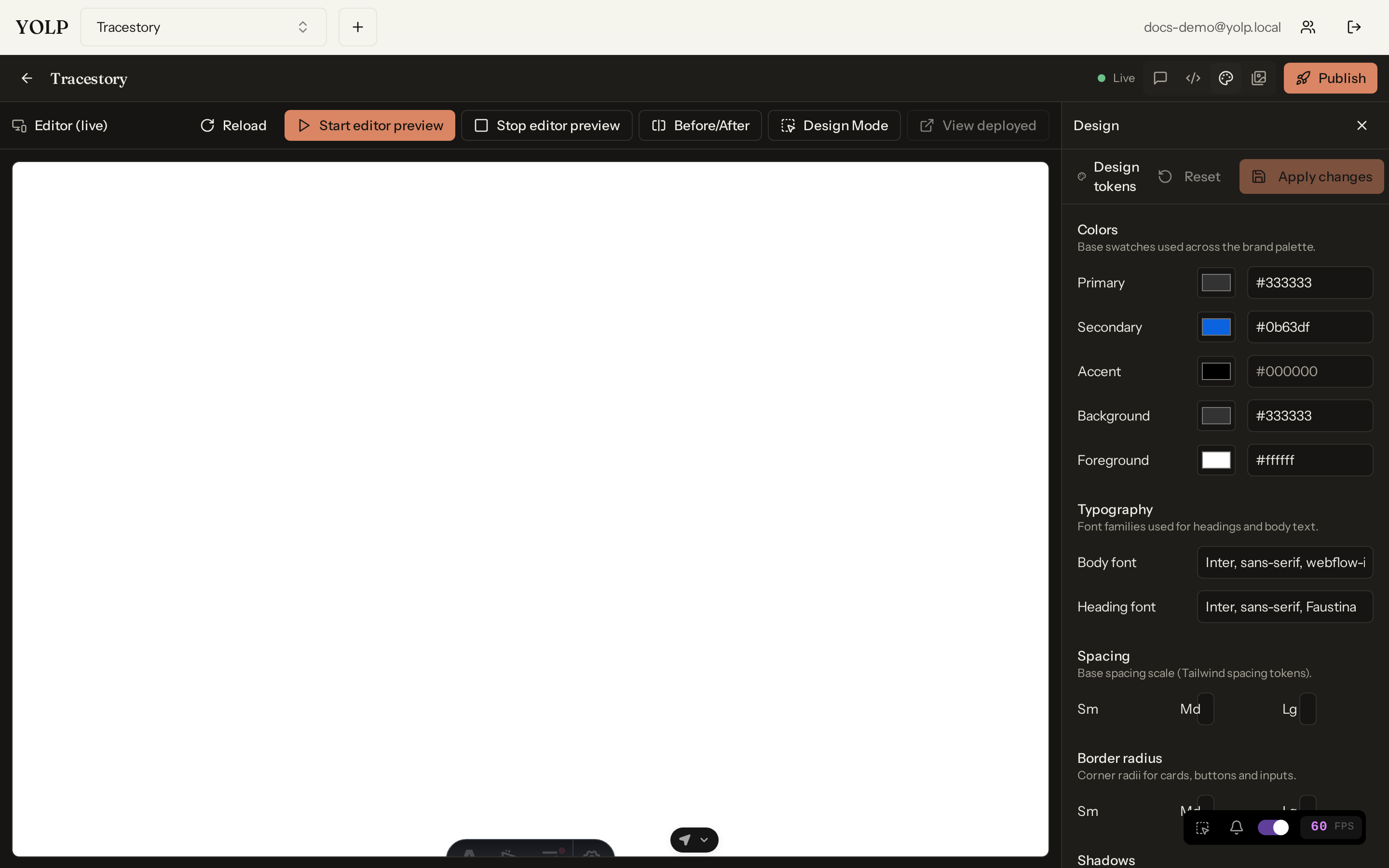
- Tailwind config — the styling layer is driven by a Tailwind config, so brand-wide changes (fonts, colors, spacing) are one edit instead of dozens.
Pages and live previews
Create new pages, delete ones you do not need, and export pages for use elsewhere. Every page has a live preview — the running site updates as you work, so what you see is what will ship.
Replica validation and auto-fix
Clones drift. The studio can validate your replica against the original site, checking structural and visual fidelity, and auto-fix the gaps it finds — reconciling missing sections, broken styles, or lost components without manual diffing.
The AI chat agent
The studio ships with a chat agent that edits the site for you:
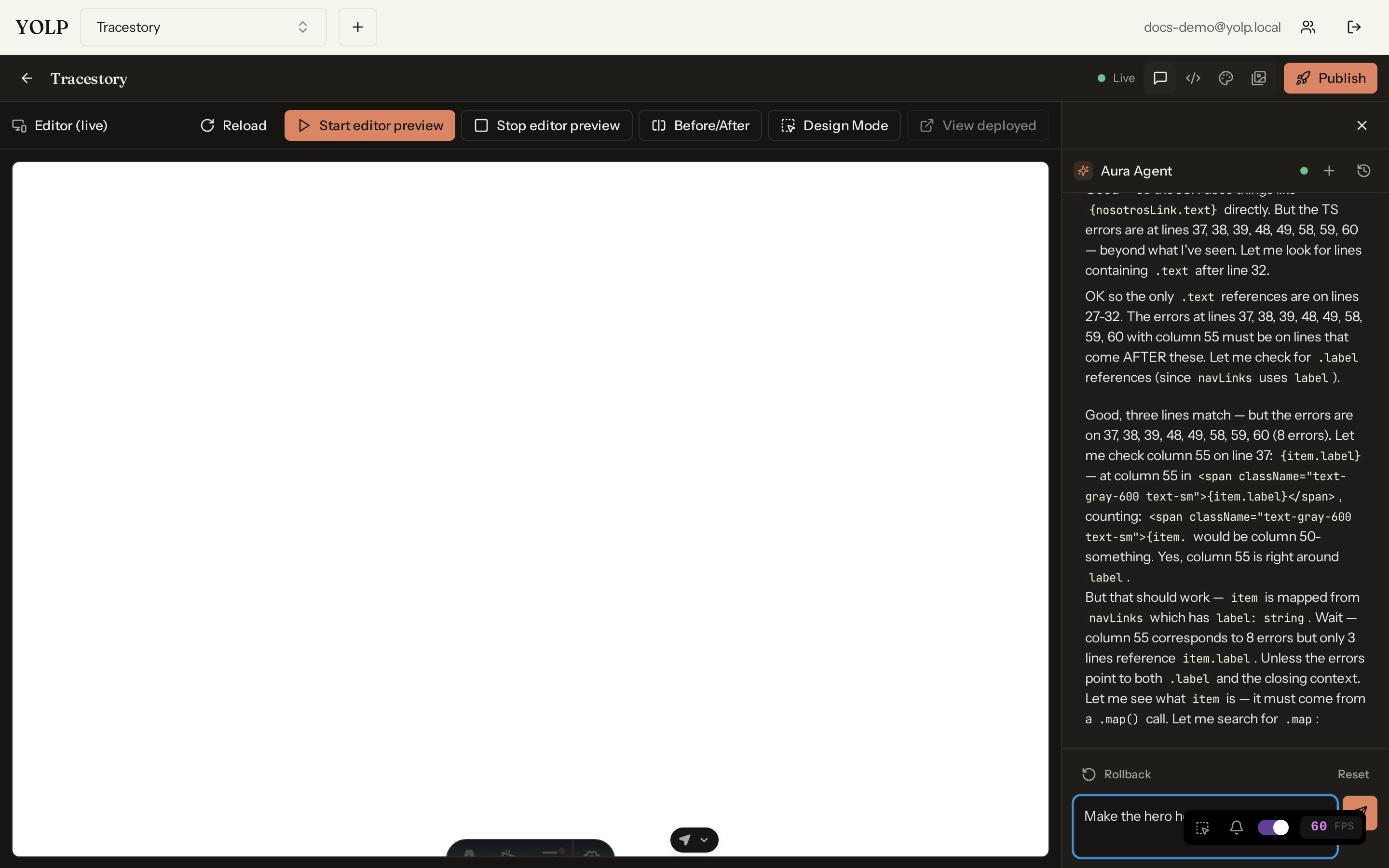
- Chat to edit — describe a change in plain language ("make the hero dark-mode", "swap the nav to a hamburger menu") and the agent applies it.
- Undo and reset — every agent edit is reversible; walk changes back or reset to a known state.
- Multiple sessions — keep separate chat sessions for separate workstreams (one for redesign, one for copy, one for cleanup).
Design Mode
When pointing is easier than describing, use Design Mode: click any element on the live site to select and edit it. The studio captures an automatic element screenshot of the clicked element and hands it to the agent, so it knows exactly which component you mean — no CSS selectors required.
Tips
- Prefer theme/Tailwind edits for global look-and-feel; per-file edits for surgical changes.
- Run validation before publishing — auto-fix plus a final preview pass catches most clone drift.
- Give the agent one clear instruction per message; it plans better in small steps.