Forms & Submissions
Published sites need a way to hear back from visitors — contact forms, demo requests, newsletter signups. AURAFUSE captures those submissions first-party: they land in your workspace, not in someone else's form SaaS.
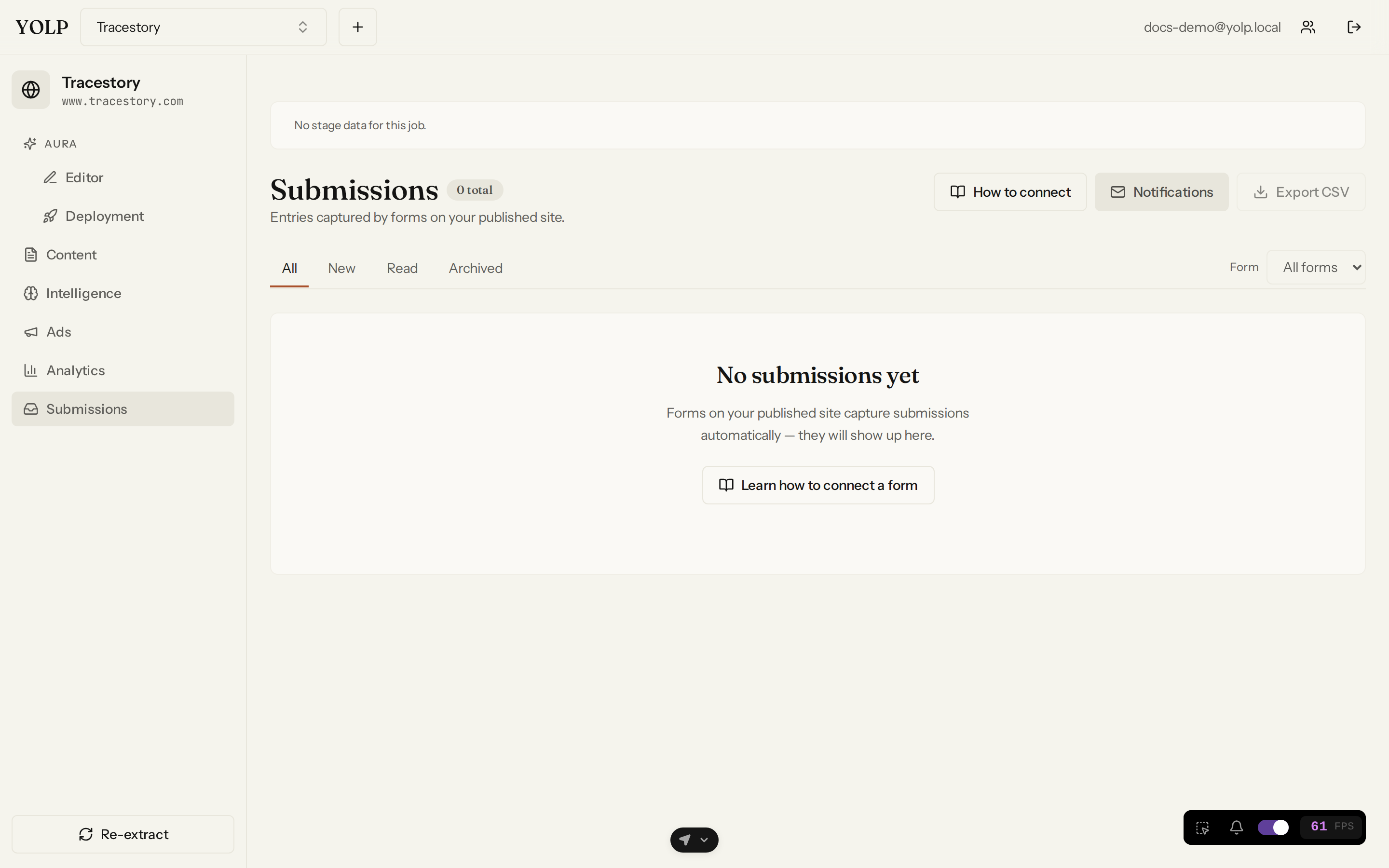
Public form capture
Forms on your published sites post directly to AURAFUSE's public capture endpoint. Visitors never see a redirect to a third party, and submissions are stored against the brand whose site they came from — with the site's own analytics already recording the form-start and form-submit events that led there (see Analytics).
The submissions inbox
Every brand has a submissions inbox: a chronological list of everything its forms have captured.
- Read and triage — open a submission to see the full field values exactly as the visitor submitted them.
- Status management — move submissions through a status lifecycle (new, handled, archived, ...) so your team can work the inbox without losing track of what still needs a reply.
CSV export
Take your leads anywhere with CSV export: pull the inbox (or a filtered slice of it) into a spreadsheet for your CRM, a client report, or an import into another tool. Field names become columns, timestamps included.
Notification targets
Submissions are only useful if someone sees them. Notification targets let each brand push alerts to the right places:
- Email — a message to your team's inbox whenever a form is submitted.
- Webhook — a POST to any URL you control, so you can pipe submissions into Slack, Zapier, a ticketing system, or your own automation.
Configure one or many targets per brand and the right people hear about new leads the moment they arrive.
Tips
- Set up notifications the day you publish — the first submission always arrives earlier than expected.
- Use status management as your team's shared to-do; exported CSVs are for tools, the inbox is for humans.
- Pair form events in Analytics with the inbox to measure conversion, not just volume.